
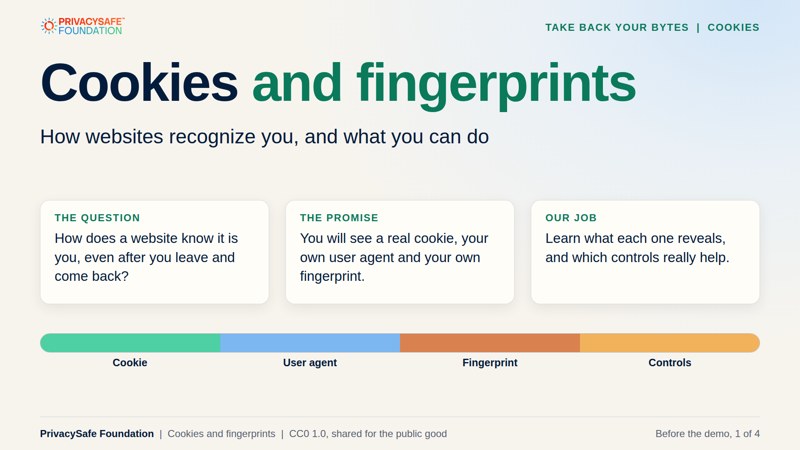
Cookies and fingerprints.
A Take Back Your Bytes lesson: how websites recognize you with cookies, user agents and browser fingerprints, and what you can do about it.
The whole lesson in under five minutes. Captions are on the picture and music is built in. Press the speaker button for sound. Also available: the dark version for projecting and subtitle files for the light and dark videos.
A cookie in two lines
# The server sets the cookie once
Set-Cookie: id=abc123; Max-Age=86400; Secure; SameSite=Lax
# Your browser sends it back on every later request
Cookie: id=abc123
A tracking cookie works the same way. The difference is who sets it: an outside company that appears on many sites, so the same ID follows you.
Welcome. Let’s look at your own cookie.
Cookies are small pieces of text that websites ask your browser to keep. Many are helpful: they keep you signed in and remember your cart. Others carry a unique ID that lets a company recognize you on many sites. In this lesson you’ll set and read a real cookie, see what your browser tells every site about itself, and find out how a fingerprint can recognize you even without a cookie.
The lab runs in your browser. The cookie and the fingerprint are made on your device and stay there. We keep the advice general: browsers differ, settings change, and no single control solves everything.
Make a prediction. Before the demo you’ll be asked: if you delete all your cookies, can a website still recognize your browser? Write yes or no, and why. We’ll test it in the lab.
Follow the session in order.
Learn the ideas, explore the lab, then make your own plan.
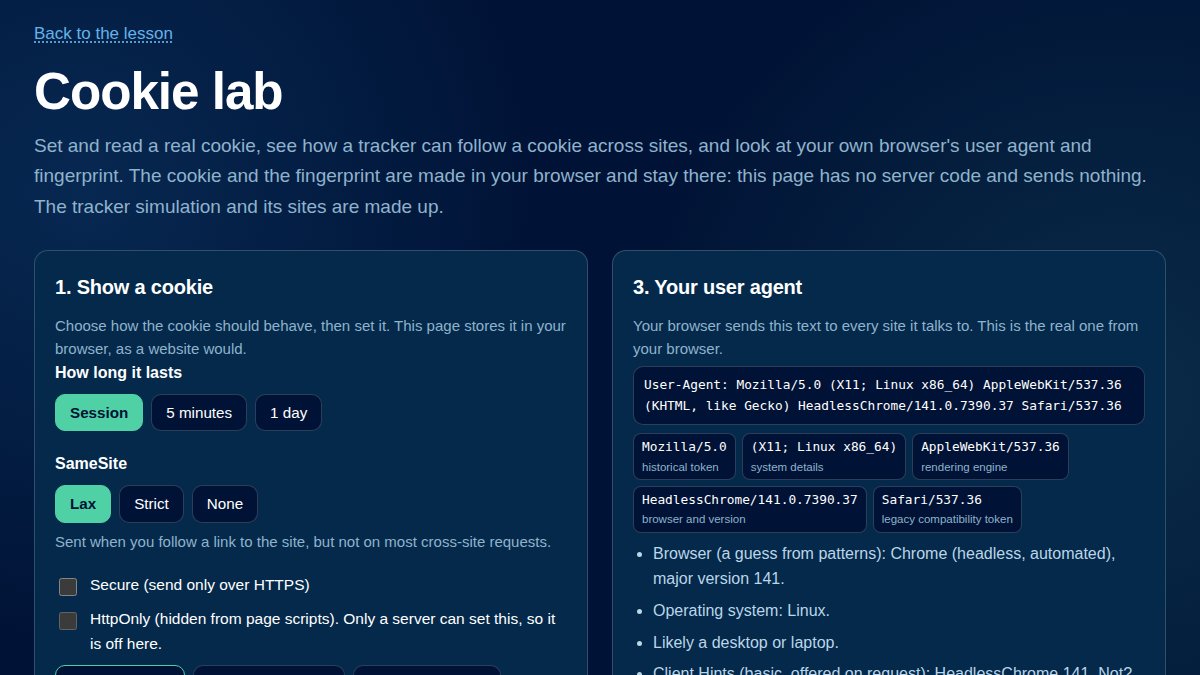
2. The cookie lab
Runs in your browser Set and read a real cookie, follow a made-up tracker across sites, see your own user agent and fingerprint, and build a plan. Open the lab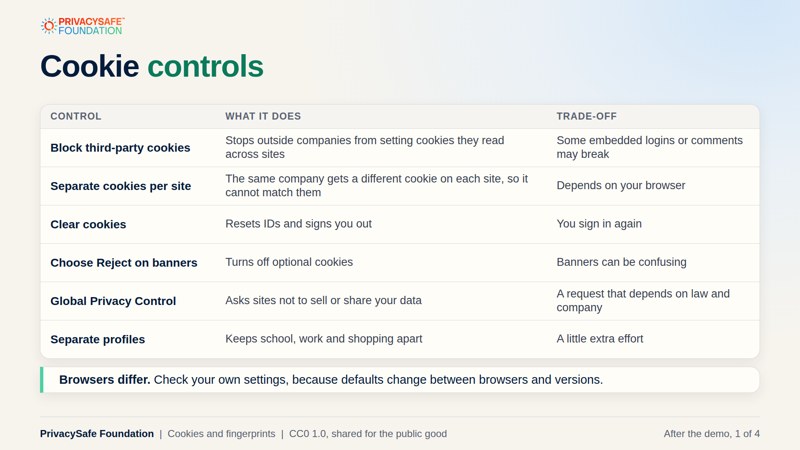
3. After the demo
PDF, 4 slides Cookie controls, the user agent string, browser fingerprinting, and a plan with discussion questions. Open the slides (light)What you will learn.
See the mechanism first, then choose controls that fit.
What a cookie is
How cookies are set and sent, what their settings mean, and how a third party uses one to follow you.
Recognition without cookies
The user agent string and browser fingerprinting: what your browser reveals and why deleting cookies is not enough.
Controls that help
Cookie settings, banners, the Global Privacy Control and fingerprint defenses, with the trade-offs of each.